
Hacked Devices: The #1 Identity Threat in 2026 & How to Fix It
Unauthorized device access rose 78% in 2026, making it the #1 identity threat for adults. Learn 5 practical steps to lock down your phone and protect your privacy today.
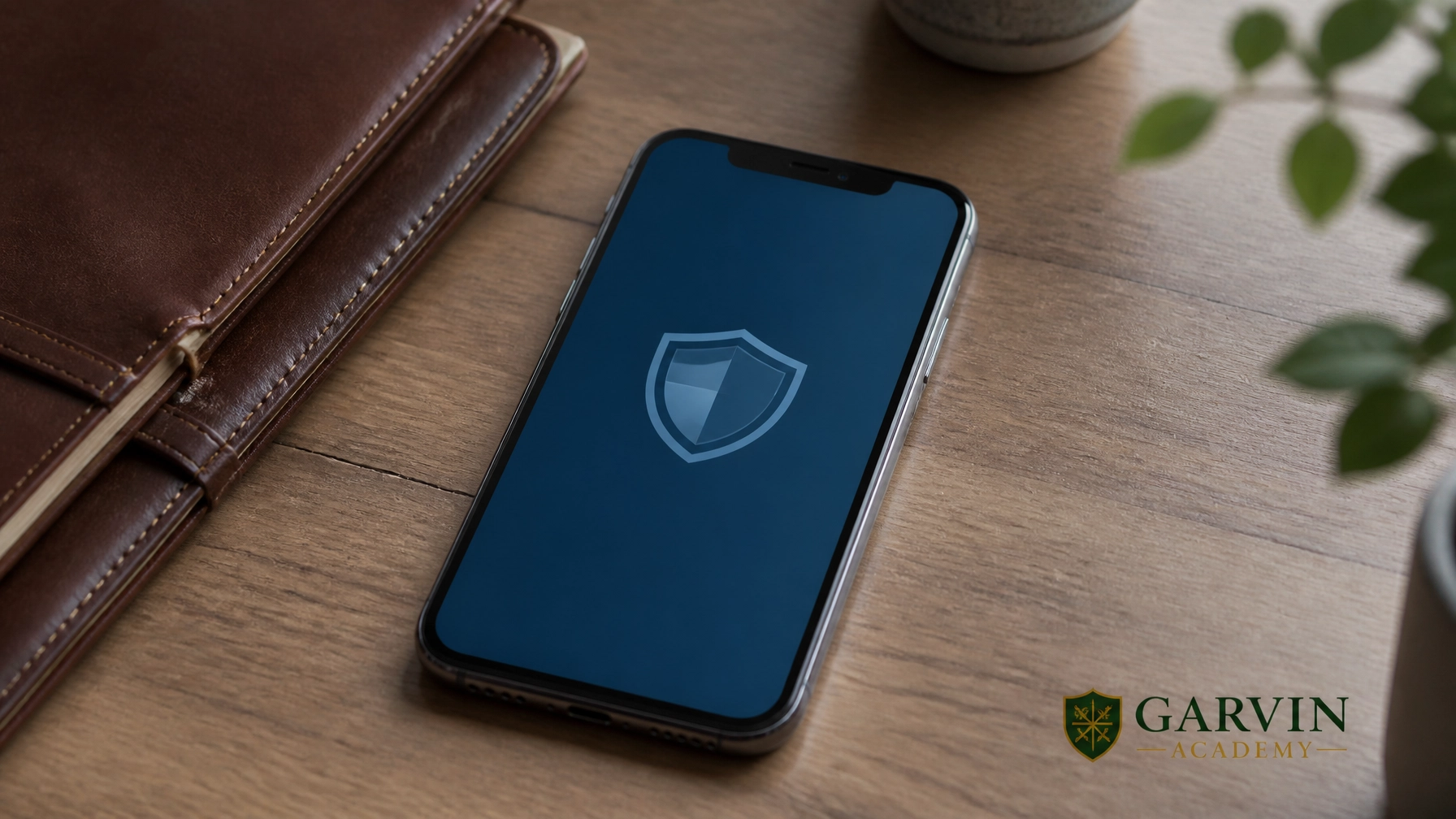
The landscape of identity theft just hit a dangerous turning point. For years, "scams", like phishing emails or fraudulent phone calls, were the primary way people lost their digital identities. Not anymore. According to the ITRC 2026 Trends in Identity Report, unauthorized device access has surged by 78% year-over-year, accounting for 27.2% of all identity compromises.
For adults aged 35–64, hacking into a physical device is now the #1 threat, surpassing traditional scams. The data is clear: your phone is the target. Once an attacker gets in, they don't just have your texts, they have your life. In fact, 87% of victims whose devices were accessed experienced a full account takeover. From banking apps to encrypted messages, the keys to your kingdom are sitting in your pocket, and they are under attack.
New threats like the RedHook Android malware are leading the charge, exploiting Wireless ADB (Android Debug Bridge) to gain shell-level access without ever needing to "root" your device. This isn't just theory; it's a professional assault on your independence. Here are 5 real action items you can take today to lock down your phone and protect your privacy.
1. Move Beyond Passwords with Hardware Security Keys

Passwords are a fragile defense. If a hacker gains access to your device, they can often bypass two-factor authentication (2FA) that relies on SMS codes or app notifications. You need a physical barrier. A hardware security key is the gold standard for phishing-resistant security.
By using a device like a YubiKey 5C NFC, you ensure that even if someone steals your password, they cannot access your accounts without physically holding the key. It’s a simple, pragmatic step to be your own boss of your digital security.
- Stop Phishing: Physical keys cannot be tricked by fake login pages.
- Universal Protection: Use it for your email, bank, and social media accounts.
- Self-Reliance: You hold the physical "master key" to your digital identity.
2. Disable Wireless ADB and Developer Options
The RedHook malware thrives on convenience. It specifically targets the "Wireless ADB" feature on Android devices, which allows developers to communicate with the phone over Wi-Fi. While useful for coding, it is a massive back door for hackers if left enabled on public or compromised networks.
Take action: Go into your phone’s settings, find "Developer Options," and ensure "Wireless ADB" is toggled OFF. Unless you are actively developing an app, there is no reason to leave this door unlocked. Hardening your device means removing unnecessary entry points before they are exploited.
3. Add a Physical Layer to Your Privacy

Software can be compromised, but physical barriers cannot be hacked. If malware gains shell access to your device, it can often activate your camera or microphone without the indicator light ever turning on. This is "creepware" at its finest, and it’s a direct violation of your personal space.
The solution is low-tech and 100% effective. Use ultra-thin webcam covers for your laptop, tablet, and smartphone. It takes one second to slide the cover shut, giving you the peace of mind that no one is watching you in your most private moments.
4. Encrypt Your Traffic with a Trusted VPN
Your data is most vulnerable when it’s in transit. Whether you are working from a coffee shop or a hotel, unencrypted Wi-Fi is a playground for identity thieves. A VPN (Virtual Private Network) creates an encrypted tunnel for your data, making it unreadable to anyone snooping on the network.
We recommend services that prioritize privacy over profits, such as ProtonVPN or Mullvad. Using a VPN is a foundational step in investing in yourself and your long-term digital safety. It hides your IP address and prevents your ISP from tracking your every move.
5. Systematic Defense: Disappear Online
Locking down your phone is only the beginning. True self-reliance requires a complete overhaul of your digital footprint. If your personal data, like your home address, phone number, and social security number, is already floating around on "people search" sites, your device security is only a partial shield.
To truly protect your family, you need a framework for digital anonymity. Our Disappear Online course at Garvin Academy provides a step-by-step roadmap to erasing your footprint and hardening your life against systemic fragility. Don’t just wait for the next leak, take proactive control of your data today.
Frequently Asked Questions
Q: Is a screen lock enough to protect my phone?
A: No. While a PIN or biometric lock is essential, malware like RedHook can bypass these once it has gained internal access via network vulnerabilities. You need multi-layered defense.
Q: Do YubiKeys work with iPhones?
A: Yes. Modern YubiKeys support NFC (Near Field Communication), allowing you to simply tap the key to the back of your iPhone for instant, secure authentication.
Q: Can a VPN stop malware?
A: No. A VPN encrypts your connection, but it does not stop you from downloading a malicious file. You must combine a VPN with smart browsing habits and device hardening.
About the Author

Forrest Garvin is the founder of Garvin Academy and a leading authority on privacy, security, and self-reliance. With over 20 years of real-world experience, Forrest has dedicated his career to helping individuals and families reclaim their independence from fragile systems. He is also the founder of PrepperNet, a global community focused on practical preparedness. His mission is simple: to provide you with the actionable skills needed to survive and thrive in an increasingly tracked world.
Excerpt: Unauthorized device access rose 78% in 2026, making it the #1 identity threat for adults. Learn 5 practical steps to lock down your phone and protect your privacy today.
SEO Title: Hacked Devices: The #1 Identity Threat in 2026 & How to Fix It
Meta Description: ITRC data shows device hacking has overtaken scams. Follow these 5 action-oriented steps to secure your phone, prevent account takeover, and disappear online.
Tags: Digital Security, Identity Theft Prevention, Privacy Training, Android Security, YubiKey, Garvin Academy
Featured Image Caption: A professional view of a secured smartphone, emphasizing the shift toward device-centric identity protection.
Related articles
 Privacy & Security
Are You Making These Common Privacy Mistakes? How to Stop an Identity Thief Before They Strike
Are you accidentally inviting identity thieves into your digital life? Learn the 5 most common privacy mistakes and the actionable steps you can take today to protect your identity and financial freedom.
 Privacy & Security
How to Disappear on the Internet in 2026: Using New Laws to Scrub Your Data
Learn how to leverage the 2026 California Delete Act and global privacy laws to scrub your data and disappear from the internet. Protect your business and independence.
 Privacy & Security
7 Steps to Take Back Your Online Privacy Today
Most people don't realize how much of their life is being tracked and sold. Here are 7 practical, no-nonsense steps to regain control of your digital footprint right now.