
Seed Phrase Backup: Protect Your Crypto Recovery Phrase in 2026
Learn how to create, store, and verify a crypto seed phrase backup in 2026. Get practical steps for protecting self-custody crypto without adding unnecessary digital risk.

Privacy · Business · Crypto
By Forrest Garvin, founder of PrepperNet and Garvin Academy
Self-custody crypto gives you direct control of your digital assets. That control comes with a responsibility: you must protect the recovery phrase that can restore your wallet.
A seed phrase backup is not just a technical detail. It can determine whether you can access your funds after a device fails, or whether someone else can access them if your phrase is exposed.
This practical guide covers how to make a secure backup, where to store it, what to avoid, and how to check that it works. Forrest Garvin has spent more than 20 years teaching practical skills in privacy, security, and self-reliance. The goal here is simple: clear, accessible steps you can put to work.
What a crypto seed phrase does
A recovery phrase, also called a seed phrase or wallet backup, is an ordered list of words that can restore access to a wallet. Many wallets use BIP39, which supports phrases of 12, 15, 18, 21, or 24 words. Other wallets use different backup standards, so check what your device supports.
Treat the phrase like a master key. If another person gets it, they may be able to restore the wallet and move its assets. If you lose it and your wallet device stops working, you may have no way to recover access.
That’s why good crypto security balances two needs:
- Privacy: Keep the phrase secret from other people and digital threats.
- Durability: Protect it from damage, loss, and decay.
- Recoverability: Make sure you, or someone you trust, can use it if needed.

How to create a safe seed phrase backup
1. Generate the phrase on your trusted wallet device
Set up the wallet yourself, in a private place. Follow the manufacturer’s instructions and record only the phrase generated by the device during setup.
Do not use a phrase supplied on a card, in a box, by a seller, through a website, or by someone claiming to provide support. A legitimate recovery sheet should be blank before you write on it.
2. Write every word in order
Record the words exactly as they appear, including their spelling and sequence. Number them if your backup method allows it. Work slowly and check the result against your device’s built-in backup verification process, if available.
Never read the words aloud or let someone else record them for you. Be mindful of nearby phones, cameras, and other recording devices.
3. Keep the phrase offline
Do not photograph, screenshot, scan, email, text, print, or store the phrase in cloud storage, a notes app, or a password manager. An extra digital copy creates another way for malware, account compromise, or unauthorized access to expose it.
Never type your recovery phrase into a website, computer, phone, exchange, or chat. Only enter it when following the genuine recovery process on your wallet device. No legitimate support representative needs your phrase.
If a person or page asks for your seed phrase, stop. Do not share it.
Paper or metal: choosing a backup material
Paper can be a reasonable starting point if it is protected from water, fire, sunlight, and casual discovery. For a backup you expect to keep for years, metal may offer more resistance to physical damage.
Metal is not automatically more secure. It is still a readable copy of your recovery phrase. If someone finds it, they may be able to use it. Choose a storage location based on both durability and access control.
Metal backup product examples
If you are comparing products, look for a format compatible with your wallet and a method you can assemble and verify without mistakes. Examples include:
- CRYO Crypto Seed Phrase Storage Card: The Amazon listing describes a stainless-steel card-style backup with two inner plates. Review the product instructions carefully before use.
- ELLIPAL Seed Phrase Steel: The listing describes a 316 stainless-steel backup for BIP39 wallets. Check the word-entry method and confirm that it suits your needs before buying.
These are product examples, not endorsements. We may earn a commission from qualifying purchases through these affiliate links. Product availability, prices, and listing details can change. Check current specifications and instructions directly before purchasing.
Some products use the first four letters of each BIP39 word. BIP39’s English wordlist is designed so the first four letters identify a word uniquely. Still, use that method only if your product’s instructions clearly support it and you can enter every word accurately. Never assume that abbreviating words is safe for a different wallet standard.

Where to store your backup
Choose a place that protects the phrase from both discovery and damage. A locked, discreet location may work for one person; another may prefer two secure locations with different risks.
For a second copy, weigh the benefit of redundancy against the risk of both copies being found together. Avoid storing every copy beside the hardware wallet. Don’t put identifying labels on a container that advertise what it holds.
Do not casually split a standard phrase into pieces and store them separately. That can create a difficult recovery problem, and a person who finds enough pieces may be able to reconstruct the phrase. If you need a threshold backup, use a wallet’s supported multi-share feature or a well-understood multisignature setup. These methods are more advanced; understand the recovery steps before relying on them.
Test your backup before you rely on it
A backup that has never been checked may contain a misspelled word or incorrect order. Use the wallet’s built-in backup check, or follow the manufacturer’s instructions for a safe recovery test.
When testing:
- Use the device’s official recovery process.
- Do not type the phrase into a regular computer or online wallet.
- Confirm that the restored wallet shows the expected account or receiving address.
- If you use an optional passphrase, verify that separately too.
A BIP39 passphrase is not simply another word in the recovery phrase. It is an additional secret that can create a different wallet. A typo can open a different, valid wallet instead of the one you intended. Use this feature only if you understand how to preserve and recover both secrets.
Your practical 2026 checklist
Take these steps to improve your self custody crypto setup:
- Generate a fresh wallet phrase using your trusted device.
- Record it offline, accurately, and in private.
- Check the backup using the device’s supported process.
- Consider a durable metal backup for long-term storage.
- Keep the backup concealed and access-controlled.
- Use a secure PIN for the hardware wallet, stored separately.
- Review transaction details on the device’s screen before approving.
- Make a recovery plan that you can explain to a trusted person without exposing the phrase.

Protecting your recovery phrase is a practical investment in your financial independence. It does not guarantee the value of your crypto or remove every risk. It does help you take responsibility for access to your assets.
For more foundational guidance, read our beginner’s guide to digital asset security. You can also join a free Garvin Academy webinar to learn practical skills for greater privacy and independence.
Frequently asked questions
Is it safe to store my seed phrase in a password manager?
For a self-custody wallet backup, avoid digital copies, including password managers. Keep the recovery phrase offline and physically secure.
Should I make more than one seed phrase backup?
A second copy can reduce the risk of losing access if one backup is damaged or lost. Store copies separately and protect each from discovery. More copies also mean more places to secure.
What should I do if I entered my phrase on a website?
Assume the phrase may be compromised. Use a trusted wallet device to create a new wallet and backup, then transfer assets to the new wallet. Do not reuse the exposed phrase. If you are unsure how to proceed, consult the wallet manufacturer’s official guidance, never share the phrase with support.
Can I memorize my recovery phrase instead?
Memorization alone is not a dependable backup. Illness, stress, or time can affect recall. Maintain a secure physical copy even if you also memorize it.
Does a metal backup keep my crypto safe from theft?
A metal backup can help protect the written phrase from some types of physical damage. It does not keep the phrase secret if someone finds it. Protect the location as carefully as the backup itself.
Excerpt: Learn how to create, store, and verify a crypto seed phrase backup in 2026. Get practical steps for protecting self-custody crypto without adding unnecessary digital risk.
SEO title: Seed Phrase Backup: Protect Your Crypto Recovery Phrase in 2026
Meta description: Protect your crypto seed phrase with practical steps for creating, storing, and testing a secure backup. Learn about offline storage, metal plates, and common mistakes.
Tags: crypto seed phrase, seed phrase backup, self custody crypto, crypto security, financial independence
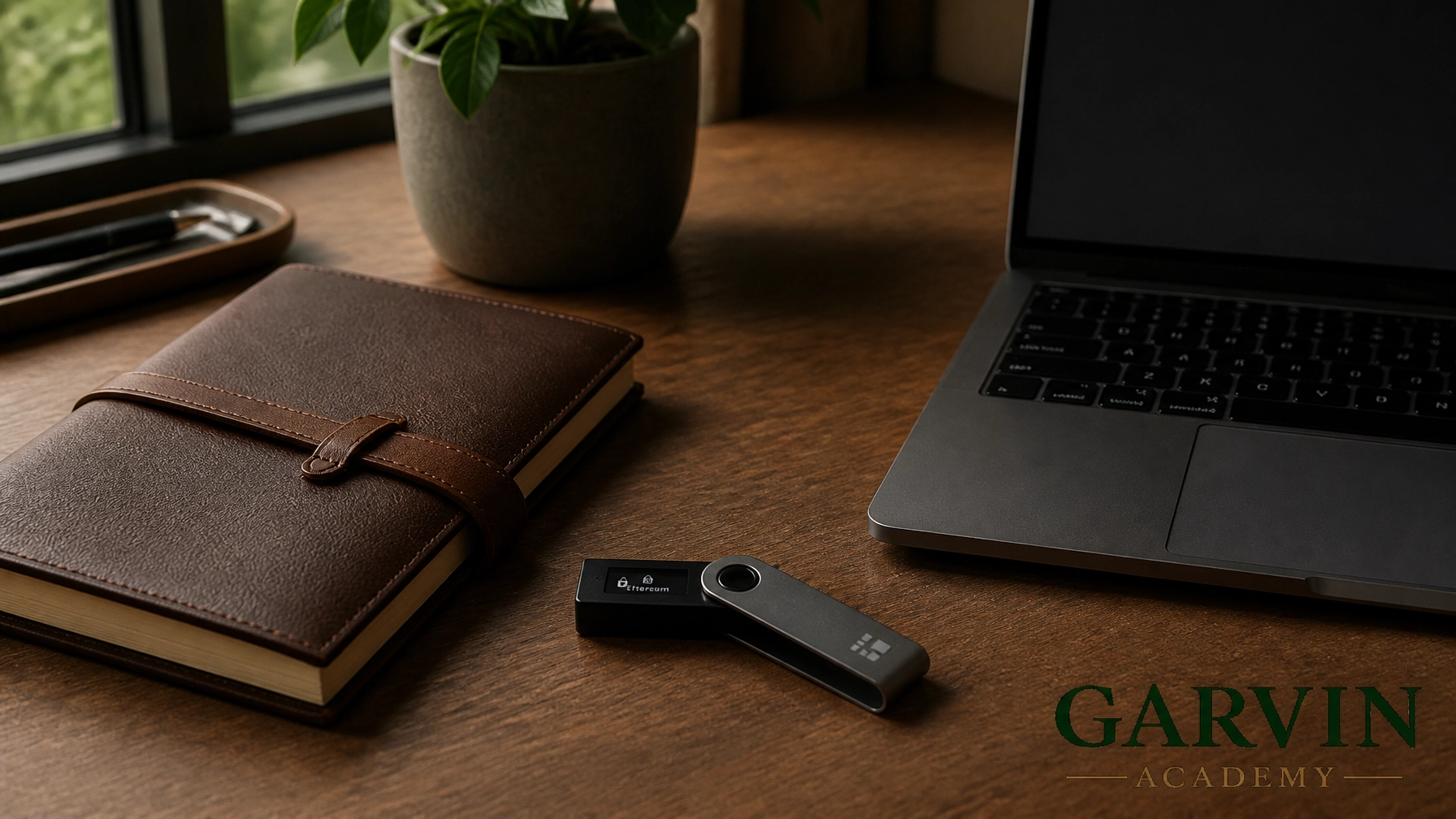
Featured image caption: A hardware wallet and blank metal backup plate illustrate practical, offline crypto recovery phrase protection.
Category: Cryptocurrency / Digital Assets
Related articles
 Cryptocurrency / Digital Assets
Blockchain for Beginners 101: A Guide to Mastering Your Financial Independence
Master the basics of blockchain and decentralization. Learn how self-custody and hardware wallets like Ledger or Trezor can secure your financial independence and help you escape the traditional system.
 Cryptocurrency / Digital Assets
Crypto for Survival: 5 Steps to Protect Your Wealth Outside the Banks
Learn how to secure your wealth with Bitcoin and XRP. This guide covers hardware wallets, cold storage, and surviving a banking collapse.
 Cryptocurrency / Digital Assets
Crypto 101: Beginner’s Guide to Digital Asset Security
Master the basics of blockchain and digital asset security. This guide covers self-custody, hardware wallets, and how to avoid common scams to protect your financial freedom.